Whole-home networks.
Stop guessing. Start fixing. A network designed for your house from measurements, wired where it can be, configured properly, and documented so you own it.
"We have spent money on this twice already."
A whole-home network is not a bigger box. It is a plan for the whole house: where the connection lands, what carries traffic between rooms, how many access points the floorplan needs and exactly where they go, and what gets a cable instead of competing for airtime. Done properly it is invisible, and it lasts.
The mesh three-pack helped a bit, and the back of the house is still slow.
The builder ran two data points and both are in the wrong rooms.
Every smart device works until three of them are on at once.
The cameras drop out whenever someone streams something.
We are renovating and we do not know what to ask the sparky for.
The house is beautiful and the WiFi is embarrassing.
Most jobs land in one of three shapes.
Which one is yours comes out of the assessment, not out of a phone call. There are no prices here on purpose: the number depends on the building, and we would rather measure it than guess at it.
Essential
Single-storey homes, townhouses and units where one well-placed access point does the job.
- ✓ Full assessment first, so the design comes out of measurements
- ✓ One access point, placed where the survey says, not where the modem happens to sit
- ✓ The modem moved or bridged where that is the actual fix
- ✓ Channels, channel widths and roaming configured for your street
- ✓ A single network name, so devices stop clinging to the wrong band
- ✓ Room-by-room verification before we leave, with before and after numbers
Quoted after your $199 assessment, which is credited against the install.
Standard
Most family homes: double-storey, long single-storey floorplans, or anywhere the office and the living room are at opposite ends.
- ✓ Everything in Essential
- ✓ Two or more access points, with the count coming from the survey rather than a box
- ✓ Wired backhaul between them wherever the building allows it
- ✓ Cabling run and terminated properly, with the ends labelled
- ✓ A small switch and a tidy central point, so the gear is in one place instead of four
- ✓ Guest network separated from the household one if you want it
Quoted after your $199 assessment, which is credited against the install.
Estate and acreage
Large homes, properties with a shed, studio or granny flat, and blocks where the house and the work space are not the same building.
- ✓ Everything in Standard
- ✓ Outdoor-rated access points for verandahs, pool areas and yards
- ✓ Coverage to detached buildings, by buried cable or a point-to-point link
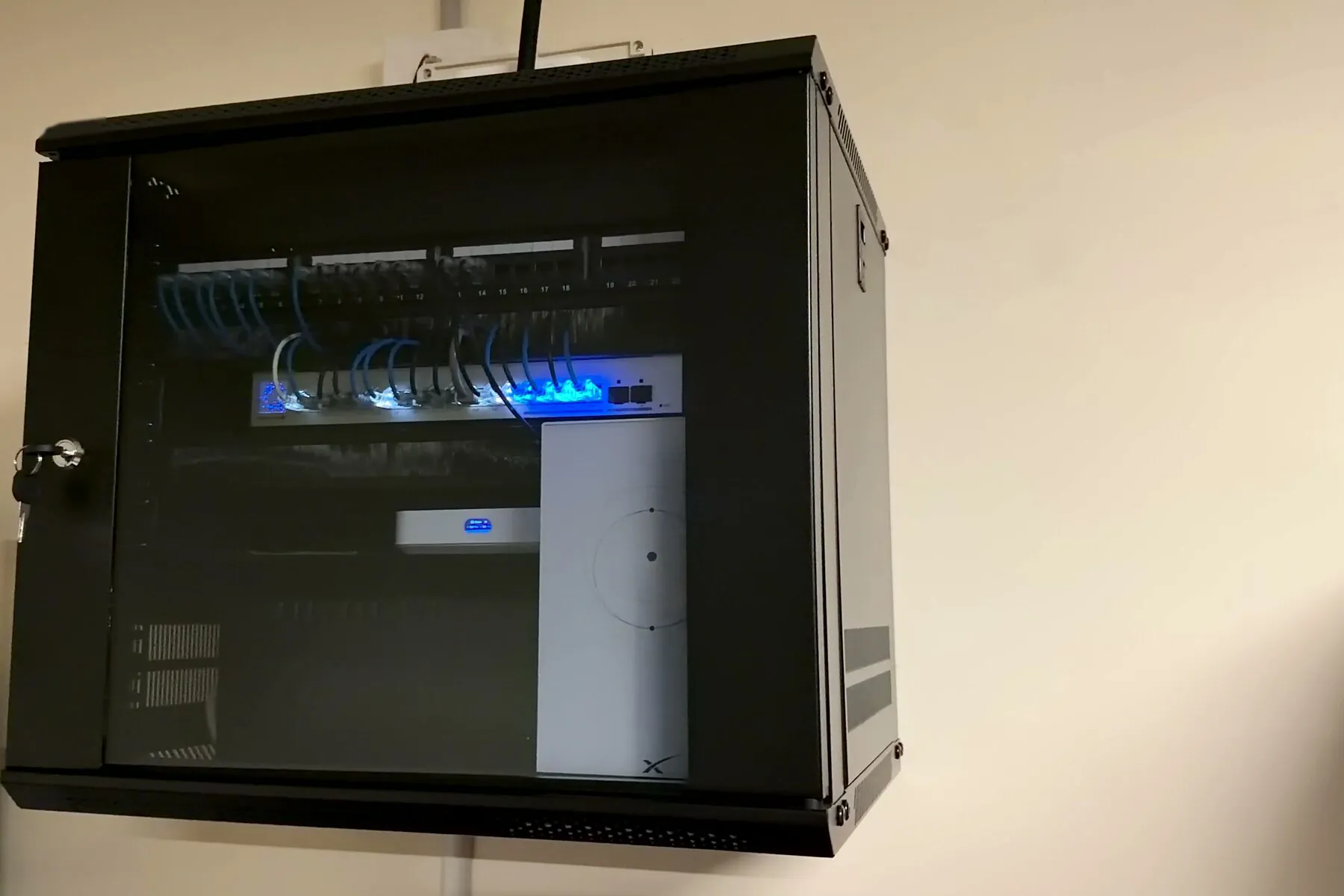
- ✓ A rack or a proper enclosure where the equipment count justifies one
- ✓ A design that leaves room for the cameras and smart-home gear you have not bought yet
Quoted after your $199 assessment, which is credited against the install.
The cheapest time to fix this is before the plaster.
Geelong's growth corridor is full of new homes whose data cabling was decided by a standard inclusions list. It is far easier and cheaper to get it right while the frame is open.
Pre-wire, before the plaster goes on
The cheapest data cabling you will ever run is the cabling that goes in while the frame is still open. Once the plaster is on, the same cable costs several times as much and involves cutting holes in a wall you just paid for. We mark up the plan with you and the builder: where the connection lands, where the central point goes, which rooms get a data point and where the ceiling access points want to sit.
Builder cabling that did not land where you needed it
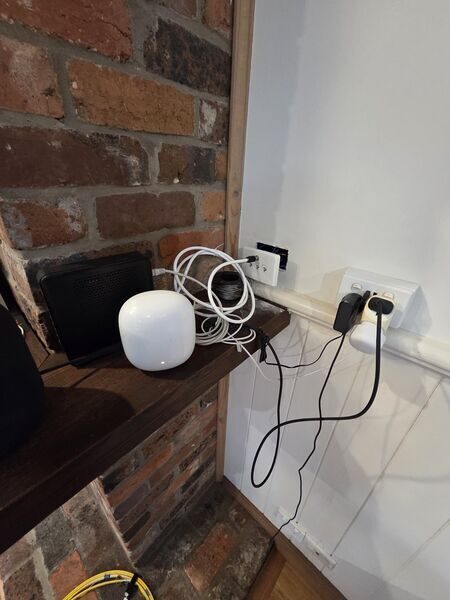
Two data points in the standard positions is a common inclusion, and the standard positions are decided before anyone knows where you will put the desk, the TV or the router. We survey what is actually there, test each run, and work out what can be reused before anything new gets pulled.
Renovations and extensions
An extension changes the shape of the house and therefore the shape of the coverage, and the old router position is rarely still the right one. We look at it while the walls are open, so the network is part of the build rather than something bolted on afterwards.
The smart-home backbone
Cameras, doorbells, sensors, speakers, TVs and a robot vacuum all want the same airtime. A designed network gives the fixed gear a wire where it can have one, keeps the busy devices off the crowded band, and separates the things that should not see each other. That is a design decision, not a purchase.
Measure, design, install, verify.
The assessment
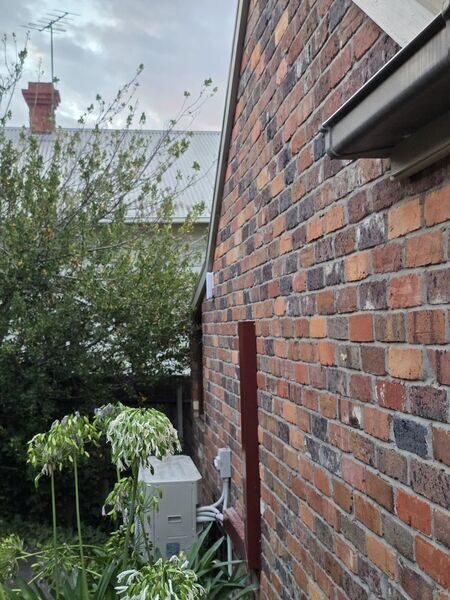
Every whole-home job starts with the $199 assessment. We survey the house room by room, test the incoming connection separately from the WiFi, and look at what the neighbouring networks are doing. This is the measuring, and everything after it depends on it.
The design and the quote
You get the written report, then a design: how many access points, which rooms, where the cable can run and where it cannot, what the central point looks like. Then a fixed written quote. The $199 you have already paid is credited against the install.
The install
Cabling run and terminated, access points mounted and configured, the central point tidied up and labelled. We work to the design, and where the building makes us change it, we tell you why on the day rather than in the invoice.
Verification, then handover
We re-measure the same points we measured on day one, in front of you. If a unit is in the wrong place the numbers say so and it moves. Then you get the handover pack, and 30 days of follow-up support while the network meets real life.
The handover pack.
Every whole-home job ends with documentation, because a network you cannot see inside is a network you have to call somebody about. You own the design, the credentials and the record of what was done.
Port card
A single card that says what is plugged into what, and which wall socket goes where. The document the next tradesperson, or you at 9pm, actually needs.
Room test, before and after
The same measurement points, measured at the start and again at the end, side by side. You can see what changed rather than take our word for it.
As-built
What was installed, where it went, how it is configured, and why each decision was made. If someone else works on the network later, they are not starting from scratch.
App guide
A screenshot walkthrough of your own system: how to see what is connected, add a guest, restart an access point, and check whether a problem is the network or the internet.
The accounts are transferred into your name at handover, so the system is yours. See what the written report looks like for the document the whole job starts from.
Whole-home networks, answered.
What does a whole-home network cost? +
It is quoted in writing after the $199 assessment, because the honest number depends on the building: how many access points the floorplan needs, whether cable can be run, and what it takes to run it. The $199 is credited against the install.
How is this different from buying a mesh kit? +
A mesh kit is hardware. This is a design: where the units go, what carries the traffic between them, what gets a wire, and how it is configured for your street. The same hardware in the right places and the wrong places gives very different results.
Do I need to run cable through the whole house? +
Usually not. One or two well-chosen runs to the access points that matter does most of the work, and where a run is genuinely impractical we design the wireless link properly instead. What is possible comes out of looking at the building.
We are building. When should we talk to you? +
Before the plaster goes on, and ideally before the electrical rough-in. That is when a data point costs almost nothing to add and the access point positions can still move. After lock-up everything is still fixable, it is just more work.
Can you work with our builder or electrician? +
Yes. We can mark up the plan with what the network needs and hand that to the trades on site, or do the data cabling ourselves. Either way you get the as-built at the end, so the house is documented.
What happens to the gear we already own? +
It gets tested and reused wherever it is up to the job, and we would rather do that than sell you something new. Where it genuinely is not, the report explains why with numbers, and the decision is yours.
Comparing options first? Read mesh WiFi installation for where mesh is the right answer, and pricing for what the assessment costs.
Start with the measurements
The $199 assessment tells you what your house actually needs before anyone quotes you for it, and it is credited against the install.
Nothing to pay when you book. $199 inc GST on the day. Free reschedule with 24 hours' notice.