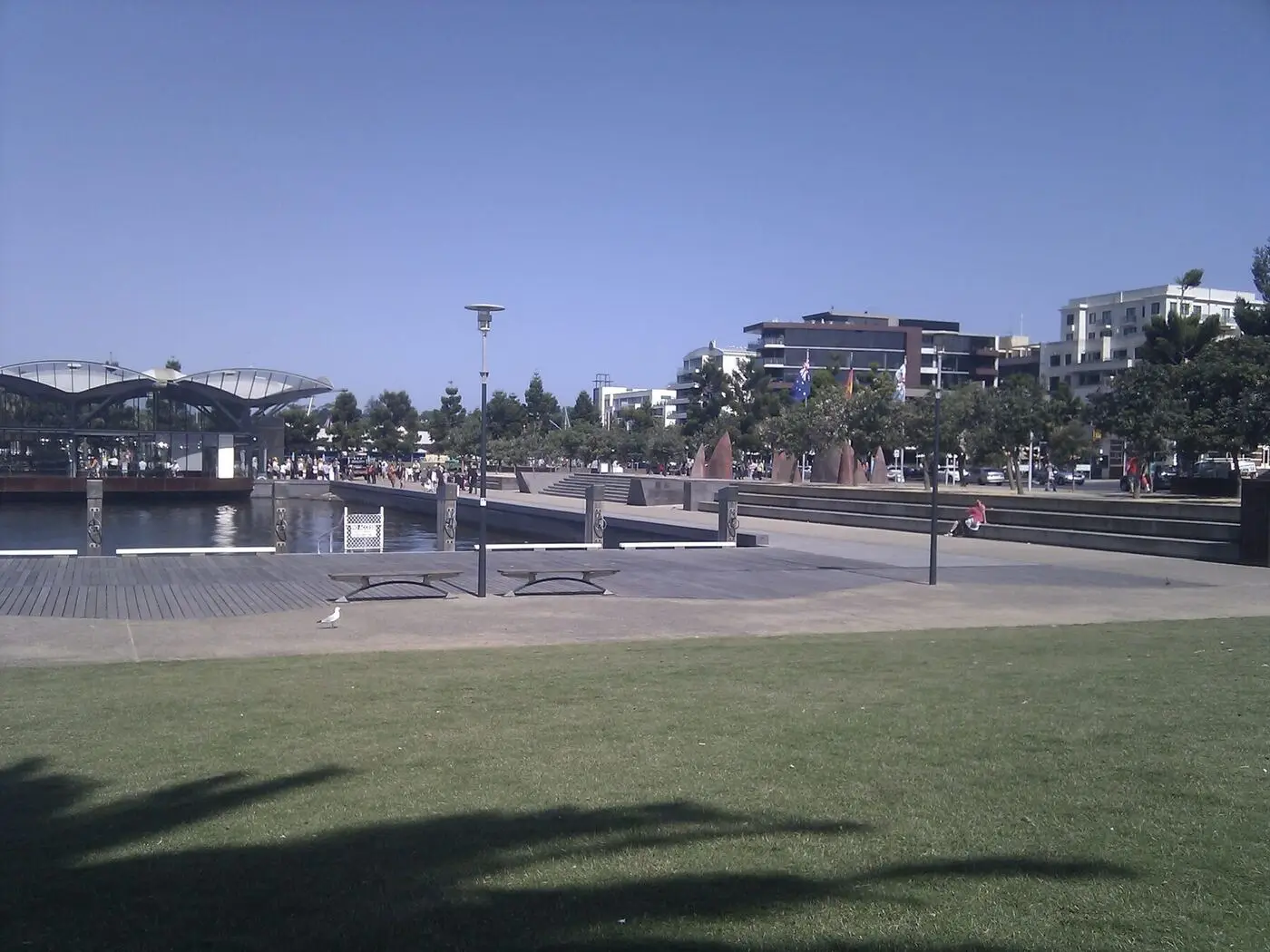
Whether you’re in a weatherboard cottage in Newtown, a new build in Armstrong Creek, or a holiday house on the Bellarine, your home network needs are shaped by where you live. Here’s what I think every Geelong homeowner should know.
Two streets apart in Geelong can have completely different connection technology — and therefore completely different real-world speed ceilings, even on the same plan.
The single biggest predictor of your WiFi experience isn’t your router. It’s the technology that brought the internet to your kerb in the first place.
What type of NBN do you have?
Not all NBN is created equal. The type you have depends on your address, and it affects what speeds you can actually get.
FTTP (Fibre to the Premises)
Best case scenario. Fibre optic cable runs directly to your home.
- Common in: Armstrong Creek, Charlemont, newer estates, some upgraded areas
- Max speeds: Up to 1000 Mbps
- Reliability: Excellent
If you have FTTP, count yourself lucky. Most Geelong homes don’t.
FTTN (Fibre to the Node)
The most common type in Geelong. Fibre runs to a street cabinet, then old copper phone lines carry the signal to your home.
- Common in: Belmont, Highton, Grovedale, most established suburbs
- Max speeds: Depends on distance from node (typically 50-100 Mbps)
- Reliability: Variable - older copper = more issues
With FTTN, the further you are from the street node, the slower your speeds. If you’re more than 400m away, you may struggle to get advertised speeds regardless of what plan you pay for.
HFC (Hybrid Fibre Coaxial)
Uses old pay TV cables. Common in areas that had Foxtel/Optus cable TV.
- Common in: Parts of Geelong West, Newtown, East Geelong
- Max speeds: Up to 250 Mbps on most plans
- Reliability: Generally good, but shared bandwidth in peak times
Fixed Wireless
For rural and semi-rural areas. Uses radio signals from a nearby tower.
- Common in: Anakie, Steiglitz, rural Surf Coast, parts of Bellarine
- Max speeds: 50-75 Mbps typical
- Reliability: Weather-dependent, congestion in peak times
If Fixed Wireless is not holding up at your place, our Starlink vs Fixed Wireless comparison puts the options side by side.
Local ISPs: Who services Geelong?
All major ISPs service Geelong, but some have better local support than others.
National providers
| Provider | Notes |
|---|---|
| Aussie Broadband | Melbourne-based, excellent support, transparent about congestion |
| Telstra | Largest network, Smart Modem includes 4G backup |
| TPG/iiNet | Budget-friendly, less consistent support |
| Optus | Competitive pricing, 5G home internet option in some areas |
Worth considering
- Superloop - Good value, reliable
- Launtel - Daily billing, no contracts
- More Telecom - Melbourne-based, business-focused
For most Geelong homes, I suggest Aussie Broadband. They’re upfront about what speeds you’ll actually get, their support is Australian-based, and they don’t oversell their network. Not the cheapest, but fewer headaches.
Common issues in Geelong homes
After helping hundreds of local families, I see the same problems again and again.
1. Large single-storey homes
Geelong has a lot of spread-out homes - 200+ square metres on a single level. One router in the corner simply can’t cover it all.
The fix: Mesh WiFi system with 2-3 units, or strategic access point placement.
2. Brick veneer construction
Most Geelong homes built from the 1960s-1990s are brick veneer. Brick walls significantly reduce WiFi signal strength.
The fix: More access points, or wiring the mesh units together with ethernet if possible.
3. Old copper wiring (FTTN areas)
If you’re on FTTN and your internal phone wiring is 30+ years old, it can cause dropouts and slow speeds - even if the problem is inside your house, not the NBN.
The fix: Get a licensed cabler to run a direct line from the first phone point, or use the NBN connection box directly.
4. Holiday house syndrome (Bellarine)
Lots of Bellarine properties sit empty for weeks, then get hammered with 15 devices when the family arrives. Routers that have been sitting idle sometimes don’t cope well.
The fix: Quality router that handles device reconnection gracefully, scheduled restarts.
5. Sheds and granny flats
“Can you get WiFi to my shed?” is one of my most common requests. Standard WiFi rarely reaches detached buildings reliably.
The fix: Outdoor access point, point-to-point wireless bridge, or running ethernet cable if practical.
Getting coverage to a separate building is a design problem. We cover the options on our dead spot page, from outdoor access points to a cable run.
NBN speeds: What can you actually get?
What you pay for and what you get are often different things.
Geelong reality check
| Plan | Advertised | Typical actual (FTTN) | Typical actual (FTTP/HFC) |
|---|---|---|---|
| NBN 25 | 25 / 5 Mbps | 20-25 Mbps | 25 Mbps |
| NBN 50 | 50 / 20 Mbps | 35-50 Mbps | 50 Mbps |
| NBN 100 (post-Sept 2025) | ~100 / 20 Mbps | 50-80 Mbps | 100 Mbps |
| NBN 250 | 250 / 25 Mbps | Not available | 250 Mbps |
| NBN 1000 (post-Sept 2025) | ~1000 / 50 Mbps | Not available | 700-950 Mbps real-world |
Key point: If you’re on FTTN, paying for NBN 100 often doesn’t make sense. Your copper line may not physically support those speeds. Check your ISP’s speed estimate for your address before upgrading.
How to check your NBN type
- Go to nbnco.com.au/connect-home-or-business/check-your-address
- Enter your address
- It will tell you your technology type and available speeds
When do you need help?
DIY is fine for:
- Basic router setup
- Changing WiFi passwords
- Restarting equipment
- Contacting your ISP about outages
Consider professional help for:
- WiFi doesn’t reach all rooms
- Frequent dropouts that ISP can’t fix
- Setting up mesh systems properly
- Running cables to sheds or granny flats
- Parental controls and network security
- Business or work-from-home setups
You definitely need help for:
- Structured cabling (data points in walls)
- Outdoor installations
- Network equipment that needs configuration
- Integration with security cameras or smart home systems
Geelong suburbs: Quick notes
Based on jobs I’ve done across the region:
Armstrong Creek / Charlemont
- Mostly FTTP - lucky you
- New builds often have poor router placement (in garage or cupboard)
- Large open-plan homes still need mesh for full coverage
Highton / Belmont / Grovedale
- Mostly FTTN - speeds vary by street
- Established homes, often WiFi dead zones in back bedrooms
- Lots of brick veneer signal blocking
Newtown / Geelong West
- Mix of FTTN and HFC
- Older homes, thick walls, challenging layouts
- Often heritage restrictions on external cabling
Ocean Grove / Barwon Heads / Queenscliff
- Mix of FTTN and Fixed Wireless
- Salt air corrodes outdoor equipment faster
- Holiday homes need reliable remote access
Torquay / Jan Juc / Anglesea
- Mostly FTTN, some Fixed Wireless
- Tourist season = network congestion
- Rental properties often have neglected equipment
Lara / Little River
- Mix of technologies
- Growing area, infrastructure catching up
- New estates have FTTP, older areas FTTN
Getting the most from your home network
Quick wins (free)
- Move your router to a central, elevated location
- Restart it properly - unplug for 30 seconds monthly
- Check for interference - away from microwaves, baby monitors, cordless phones
- Update firmware - log into your router and check for updates
Worth investing in
- Quality router - $150-300 makes a real difference vs ISP-provided gear
- Mesh system - for homes over 150 sqm or with WiFi dead zones
- Ethernet cables - for TVs, gaming consoles, work computers if possible
When upgrading your plan won’t help
Don’t pay for faster NBN if:
- Only some rooms are slow (that’s WiFi, not internet)
- Your FTTN line can’t support the speed anyway
- Your router is the bottleneck
Every one of these local patterns shows up clearly on a heat map, which is why we start every job with a $199 WiFi assessment rather than a guess about your house type.
About Why Oh WiFi
I’m Karl, and I help Geelong families get their WiFi sorted.
No jargon, no upselling, just practical solutions that work for your home. I’ve helped everyone from retirees in Drysdale who just want reliable internet for video calls, to families in Lara dealing with teenagers on every device.
Home Network Assessment - $199, GST included
- Full WiFi coverage scan of your home
- Check NBN connection and actual speeds
- Identify what’s causing your issues
- Recommendations that fit your budget
- Plain English report you can keep
Serving Geelong, Surf Coast, Bellarine, and Golden Plains.
Book an Assessment or call 0489 998 445
Related reading
- Why is my WiFi so slow? — Diagnose before upgrading anything
- Mesh WiFi explained — When mesh actually helps in a Geelong home
- Does your NBN provider actually matter? — What’s happening between your modem and Netflix
- WiFi dead spots across Geelong — Suburb-specific patterns I see again and again
Common questions
Do I need to upgrade my NBN plan?+
Not necessarily. If only certain rooms are slow, that's a WiFi coverage problem, not an internet problem — and a faster plan won't fix it. The first test is always: plug into the router with an ethernet cable and run a speed test. If wired matches what you're paying for, your plan is fine.
Can you help if I'm renting?+
Yes. Most WiFi improvements don't require permanent changes — mesh systems, better routers, and optimised settings all work in rentals. I'll only ever suggest cabling work if you've got the owner's go-ahead.
Do you service my suburb?+
I cover Greater Geelong, the Surf Coast (Torquay through Anglesea), the Bellarine Peninsula (Ocean Grove, Barwon Heads, Queenscliff, etc.) and Golden Plains (Bannockburn, Lethbridge, Inverleigh). If you're nearby and not sure, just ask.
How long does a home assessment take?+
Usually 45-60 minutes. I walk through your home, scan WiFi in every room, check your NBN connection at the wall socket, talk through what your household actually does online, then write you a plain-English report afterwards.
Did the September 2025 NBN speed boost change what I should be on?+
On FTTP and HFC, yes — NBN 100 typically now delivers 100/20 (up from 100/40 or less in many cases) and NBN 1000 is widely available. Worth checking your invoice; many ISPs passed the boost on automatically. On FTTN your underlying line capability hasn't changed, so the speed bump is mostly cosmetic.
What if I just need advice rather than a full visit?+
Happy to chat. Call 0489 998 445 or send a message through the contact page. Short questions are free — I'd rather give you 5 minutes of honest advice than have you book a job you don't need.
Your local WiFi specialist — Geelong, Surf Coast, and Bellarine Peninsula.
Why Oh WiFi - 0489 998 445 - hello@whyohwifi.com.au